
IN THIS ARTICLE
ROS 2 Frame Component
The ROS 2 Frame component reflects the concept of ROS frames of reference for coordinates, which follow a REP103 standard . It is commonly used in any robotic system, for example sensors typically publish in their own reference frame, and localization is about finding a transformation from robot local frame to a more general frame of reference. ROS 2 Frame component also handles namespaces which are essential for multi-robot simulations.
Provider
Dependencies
The ROS 2 Frame component depends on Transform Service, which is provided by Transform component.
Properties
Default namespace configuration: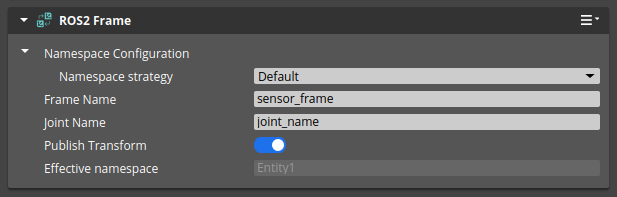
Custom namespace configuration: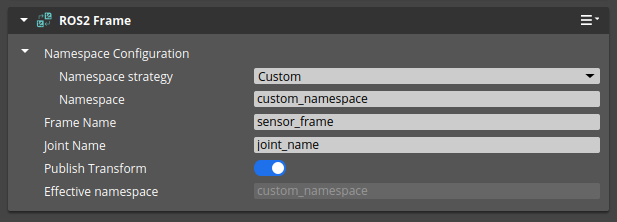
Empty namespace configuration: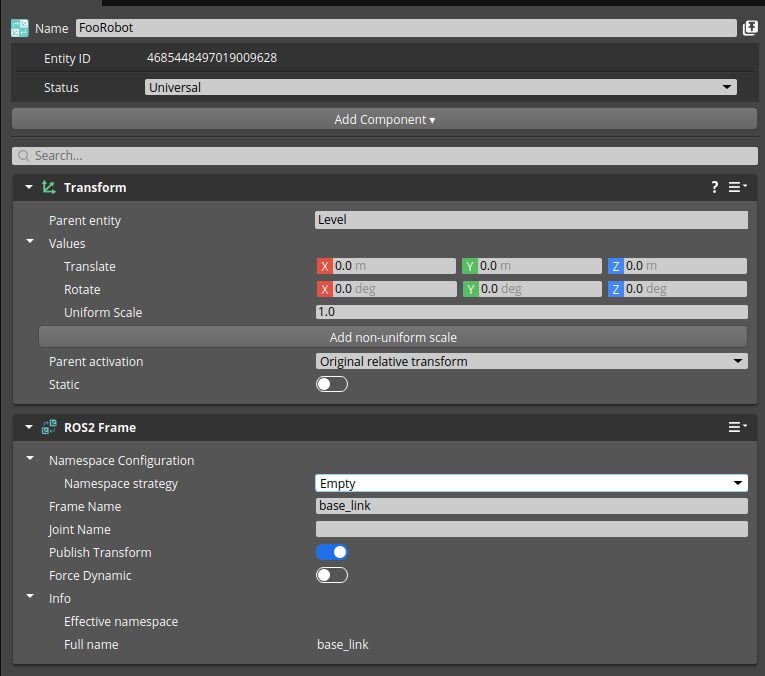
Generate from entity name namespace configuration: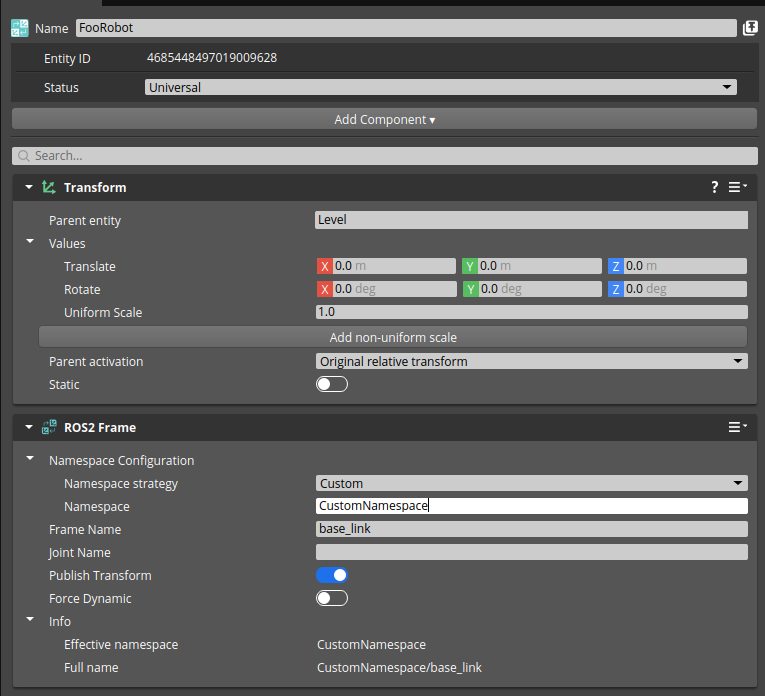
| Property | Description | Values | Default |
|---|---|---|---|
| Namespace Configuration | Determines how to set the namespace for the component, which can be empty, custom, or derived from entity name. | Enumeration | Default (from name for top level entities, empty otherwise) |
| Frame Name | Name of the frame, which is used as frame_id field for published messages and broadcasted transforms. | String | sensor_frame |
| Joint Name | Name of the joint for this entity, which is supplementary information required by joint control APIs. | String | empty |
| Publish Transform | Determines whether the transformation to this frame’s parent is included in the broadcasted transforms. | Boolean | true |
| Force Dynamics | Forces runtime component to publish transform to /tf topic instead of /tf_static. | Boolean | false |
| Effective namespace | Read only value providing the effective namespace of the frame. It is automatically updated and takes other frames into consideration. | String | |
| Full name | Read only value providing the effective frame name. | String |
Default Behavior
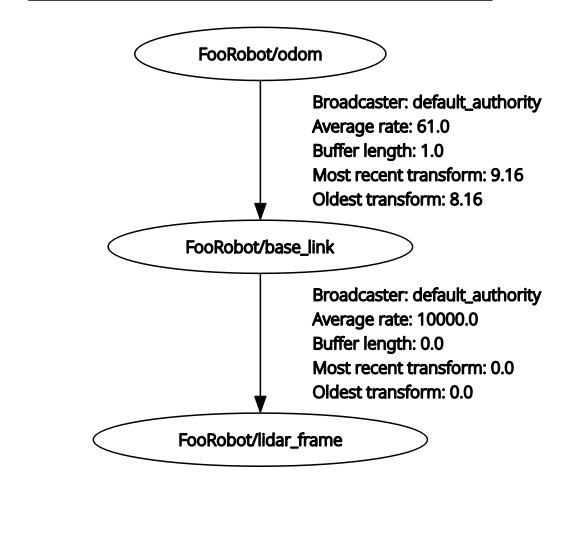
By default, the ROS 2 Frame component sets the namespace based on the entity hierarchy.
The top-level entities (those without a parent entity with a ROS 2 Frame component) use the entity name as the namespace.
All child entities have an empty namespace by default, meaning they inherit the namespace from their closest ancestor with a ROS 2 Frame component.
Entity FooRobot has a ROS 2 Frame component with default settings with frame name base_link.
It has a child entity Sensor1 with another ROS 2 Frame component with frame name lidar_frame and default settings.
| Entity Hierarchy | ROS 2 Tf tree Representation |
|---|---|
 |  |
Empty Behavior
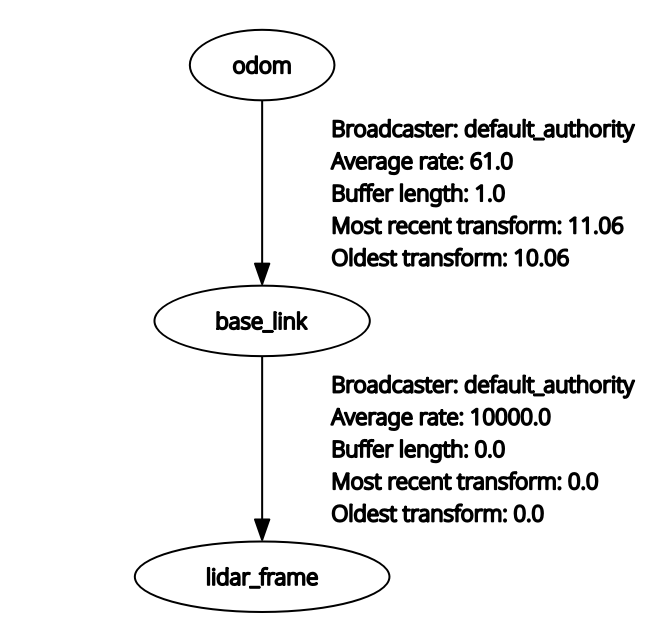
When using an empty namespace configuration for the top-level entity, the whole hierarchy uses no namespace.
Entity FooRobot has a ROS 2 Frame component with empty namespace settings and frame name base_link.
It has a child entity Sensor1 with another ROS 2 Frame component with frame name lidar_frame and default namespace settings.
| Entity Hierarchy | ROS 2 Tf tree Representation |
|---|---|
|  |
Custom Behavior
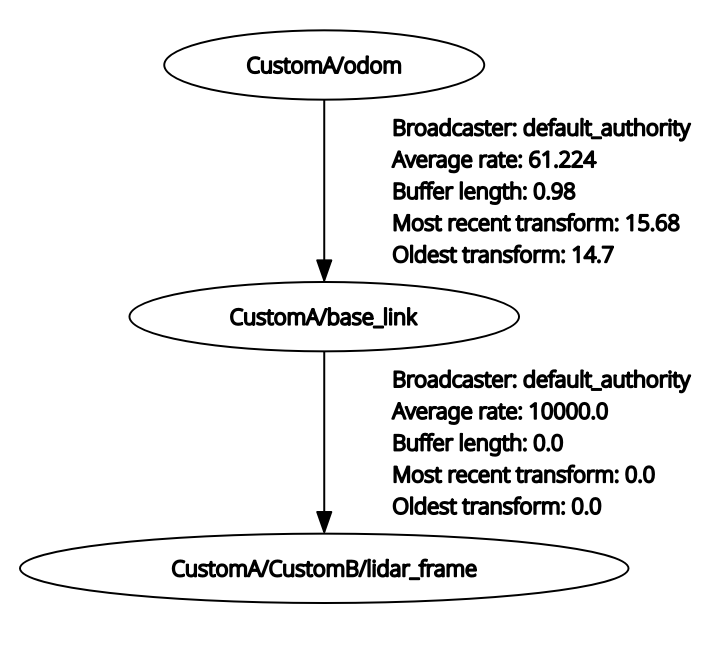
When using a custom namespace, the specified namespace is used directly without any modification.
Entity FooRobot has a ROS 2 Frame component with custom namespace CustomA and frame name base_link.
It has a child entity Sensor1 with another ROS 2 Frame component with custom namespace CustomB and frame name lidar_frame.
| Entity Hierarchy | ROS 2 Tf tree Representation |
|---|---|
|  |
Note:You can mix different namespace configurations in the same entity hierarchy resulting in flexible naming schemes. Note that those components use/tf_statictopic to publish static transforms. You need to be careful that with QoS settings of the subscribers to/tf_statictopic, the static transforms from previous runs may still be present. It is recommended to restart all ROS 2 nodes that subscribe to/tf_statictopic when you restart the simulation and change the frame configurations.
Alternatively, you can switch to using/tftopic by enabling the Force Dynamics property, which will continuously publish the transforms.
Root frame
By default ROS 2 Gem uses odom as the global frame name, which can be changed using the registry setting /O3DE/ROS2/GlobalFrameName.
It is used to publish ground truth transforms of the robots in the simulated world.
In many cases it is usable, but in some scenarios you might want to change it or disable it completely (by setting it to an empty string).
{
    "O3DE":
    {
        "ROS2":
        {
            "GlobalFrameName": ""
        }
    }
}
With such configuration, the root frame will not be published by the ROS 2 Gem. It can be useful in scenarios where you want to manage the global frame differently (e.g., using packages like Robot Localization), or your system under test is a localization algorithm that estimates the global frame itself.
Usage
ROS 2 Frame component handles namespace, frame id, and joint name associated with an entity, which is a part of a robot.
Many other components such as sensors and controllers depend on it. ROS 2 Frame works internally with these components to
ensure namespacing of topics, sending of proper frame_id in each message, and broadcasting of transforms to /tf and /tf_static topics.
The transformation is continuously updated and published to /tf if the entity contains a JointComponent (which is not a fixed joint)
or an ArticulatedComponent. Otherwise, it will be published once on the /tf_static topic and not updated even if the entity moves.